
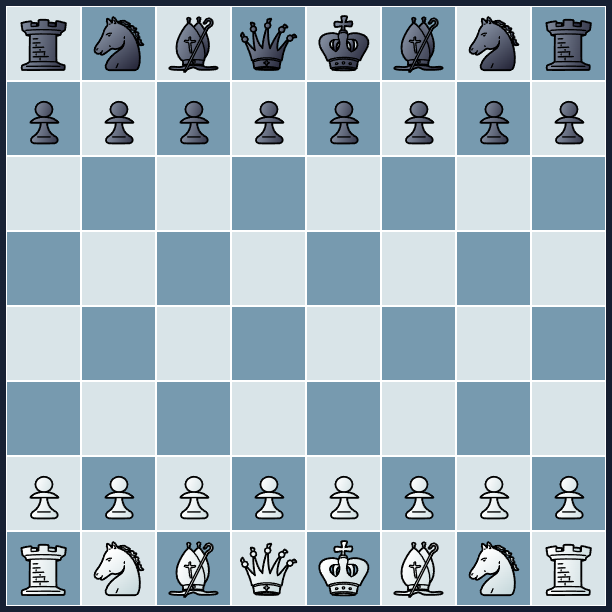
I have always liked games.
Being a software engineer, you realize that most of the maths and physics that we learned in our schools is actually used a lot in game design and creation.
Recently, I was thinking what should I make to build my portfolio and start learning some UI tech also. I loathe the idea of management tools and admin portals with their never ending CRUID operations. I want to make something that people like, which is not just being used but also brings smile to faces when being used. I have created very small games before when I was learning JavaScript like Ping Pong and Brick Breaker, which was the first time I realized how the formulas of mathematics – trigonometry, angles, geometry, matrix operations and concepts from physics are applied in games and how they are so important to make a game look and feel realistic in their operations.
For example, in Brick Breaker or Ping Pong, how the ball hits your paddle and how that angle of hitting the peddle defines the angle in which the ball will move and affect it’s speed too.
Still, those concepts and big games are quite difficult to make and I am just trying to learn something new with the front-end technologies at my disposal. Hence, I created one of the most easiest game to program, in terms of UI and logic (after learning hehe).
This chess journey started with the use of our AI friends, to research what front-end technology to use, how to integrate them with sockets and how to design the UI.
FEN & Stockfish
When learning about the how to program a chess game, I was wondering how the moves from one person will be passed to the other over socket, I knew the board has letters and number like – 1-8 and a-h and players many times only use the notations like ‘e4 to e6’, to represent a pawn move. With this idea in mind I created a board in my storyboard in Canva and tried to see how it would all work. Then I had to think about the captures, the checks and everything else. It was all so much, then I realized the world is so simple, why make thing complicated. I thought, there must be libraries which my AI friends helped me to find.
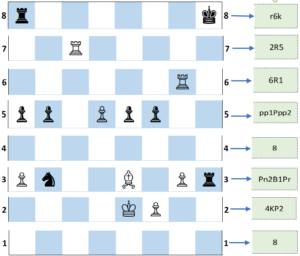
The first thing, I learned about moves in chess was FEN (Forsyth–Edwards Notation), this single line, depicting the whole chess board, the positions, the captures, promotions even. Made it all so simple, I thought to myself, hey chess is easy. I went to and googled some pictures of chess boards and thought to myself ‘how the FEN of this board would look like’. And it was so easy to picture it now. With this I knew, I have pass the FEN string of my board to my server component, send it to the other user and make the move on their board.
With one hurdle jumped, I went to understanding how a user will play with the CPU, as not everyone will be playing with opponents on the internet.
Answering to this, the AIs talked about Stockfish API, which can act as a CPU opponent. All you have to do, is pass the FEN of your chess board and the API will return the best move the opponent could make. You can define the level of the opponent by choosing their strength and it will all be possible. The API is really based on the StockFish – Open Source Chess Engine, which has download options available for different platforms with libraries available for different frameworks like React too.

So, it was decided, to use FEN and stockfish.
React / Angular

Since, react is always used everywhere in my circle and anyone I come across from my field, the name of this framework keeps popping up. I was reluctant to choose react first, with all the information I had and my bias towards it.
Later, you will find out what happened.
My Struggle with Chess-Board
There are some famous libraries offered in react, that allow you to render a chess board and handle all the logic with the moves made like captures, promotions, check, stalemate, checkmate. Obviously, in the era we live in and how our attention span being small, I wanted quick results and tried to implement this approach.
The problem started here, some of the libraries are deprecated. Some, install without issues and you can use them to make the UI as well, but… the versions are not compatible with the react version that I was using. And then it was just going round and round for correcting the versions, trying different libraries etc. I found a library which renders, React-ChessBoard , finally, I felt I was free of all the trouble and now I can program the actual logic of user connecting and other part of the UI, life had other plans. For whatever reason the pieces on this board were not moving at all, I tried many different things and at the end, gave up on using a library.
Now, I am primarily a .NET developer and prefer structured languages like C#, I tried a lot do the what I wanted to do… which is making classes, structures in react code, but no help there.
Finally, finding a video on YouTube, which helped me to see the correct way of doing things. This guy made my life so easy, I followed the way of creating project, the logic he explains and the UI he creates too.
You must be wondering, why did the topic go to structured languages, apparently, the video was made in Angular and I decided to roll with it and I really am more comfortable with Angular compared to React.
Following the video, I create my own Chess game which allowed used to play with friends on the same screen and to play with CPU (Stockfish). It can handle all the situations of capture, promotion, check, stalemate, checkmate, En passant and even insufficient special conditions, we have a way to track the game with history of moves.
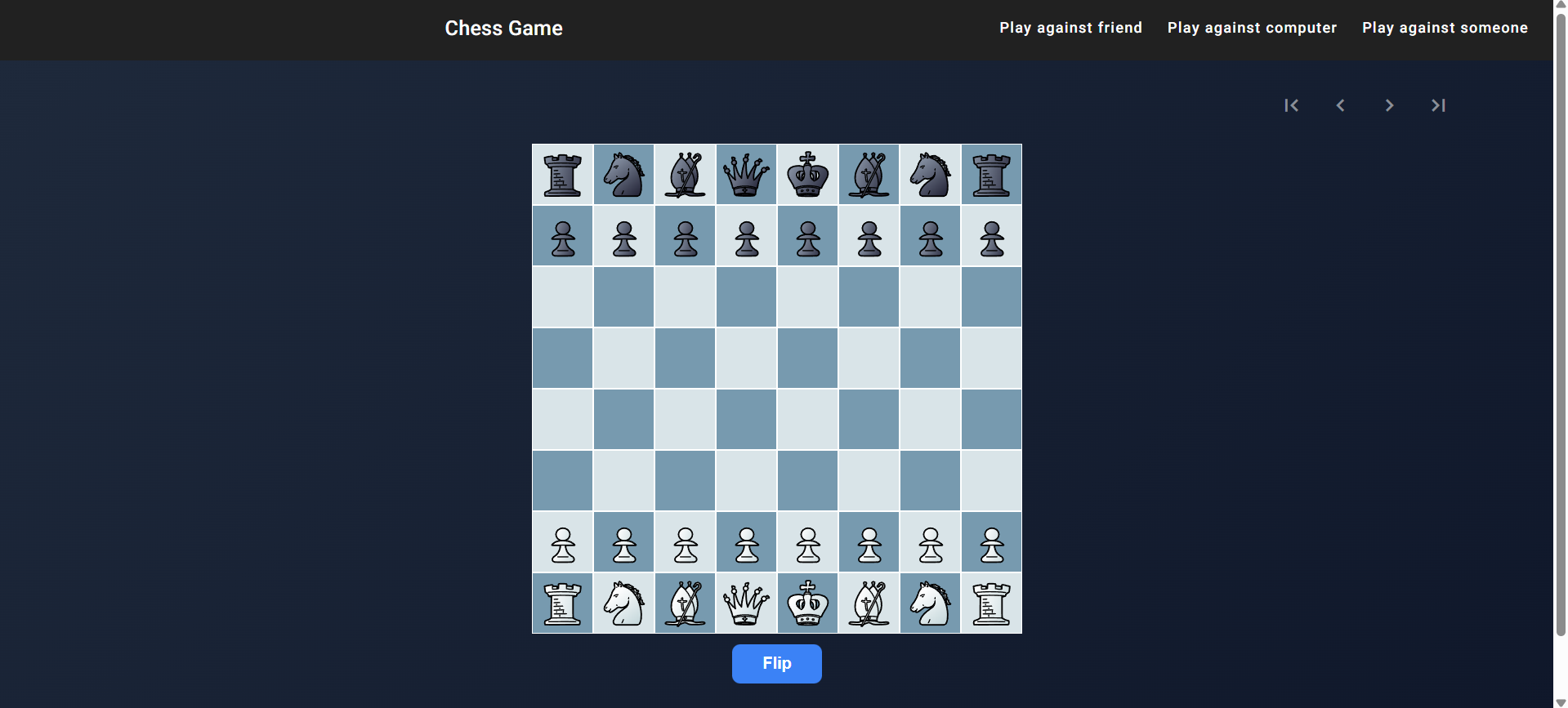
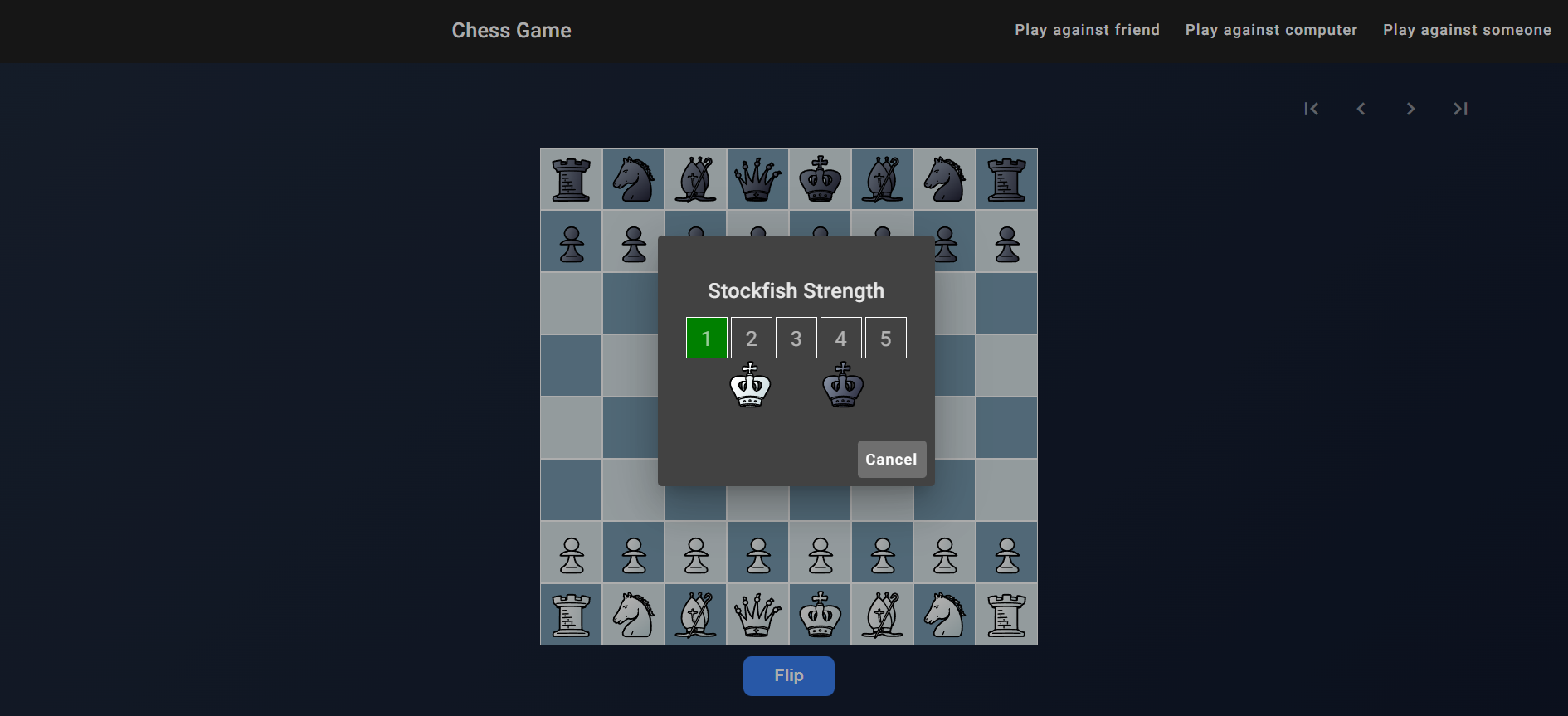
Although, my initial idea was different, I wanted to create a game to be played online.
Then I created a simple node js server to keep track of games, with sockets and moves. Added a new service for connecting to the server and handled creating, updating and passing moves in the game.
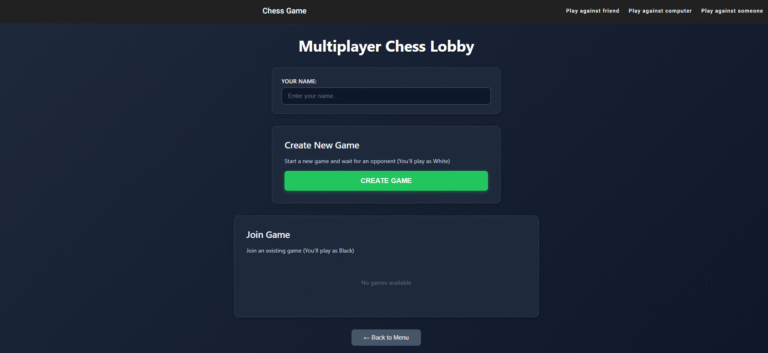
The flow is, when a user comes to the website and wants to play with someone random, they can type their name and create their own game.
When we create a new game, by default, we are white on the chess board.
When a different user comes to the same page, they see a list of games that are waiting for a opponent to show up.
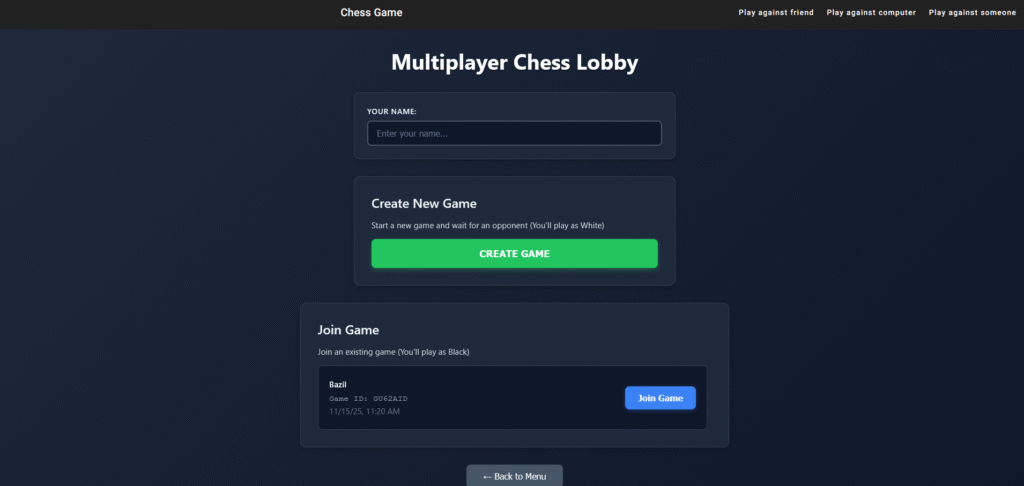
When the user joins a game, it starts and we can start playing.
Deployment
The server is deployed on Render.com, which gives a free server option.
On the other hand, I have chosen GitHub pages to deploy the Angular website.
Well, that was my journey for creating this chess game.
♘f3: You can play it here – Chess Game
🖥 Tech Stack: Angular, NodeJS, WebSocket
🎯 Role: Design and Development
🌱 Outcome:
- Learnt a little bit of Angular
- Made a good game and hosted online, which helped me to learn hosting and deployments too
- Motivation to try new other things and making much more new stuff